For WordPress plugin developers
Your plugin is ready.Your listing isn't.
Upload the screenshots you already have. PluginLaunch reads them and produces the whole wordpress.org submission — polished screenshots, banner, icon, readme.txt and every line of listing copy.


20 credits free every month · no card required
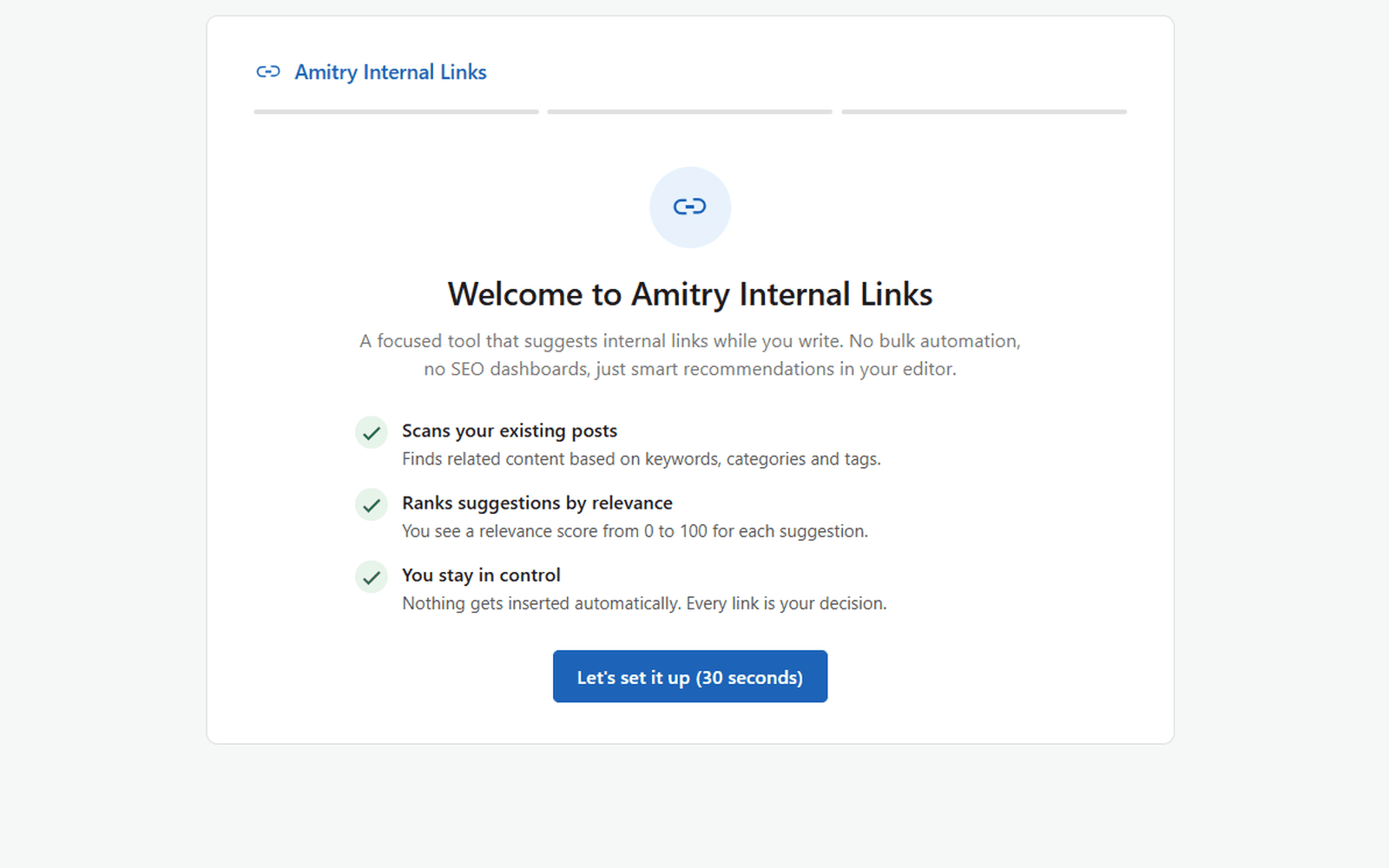
You upload
Raw wp-admin captures. Nothing else.
You get
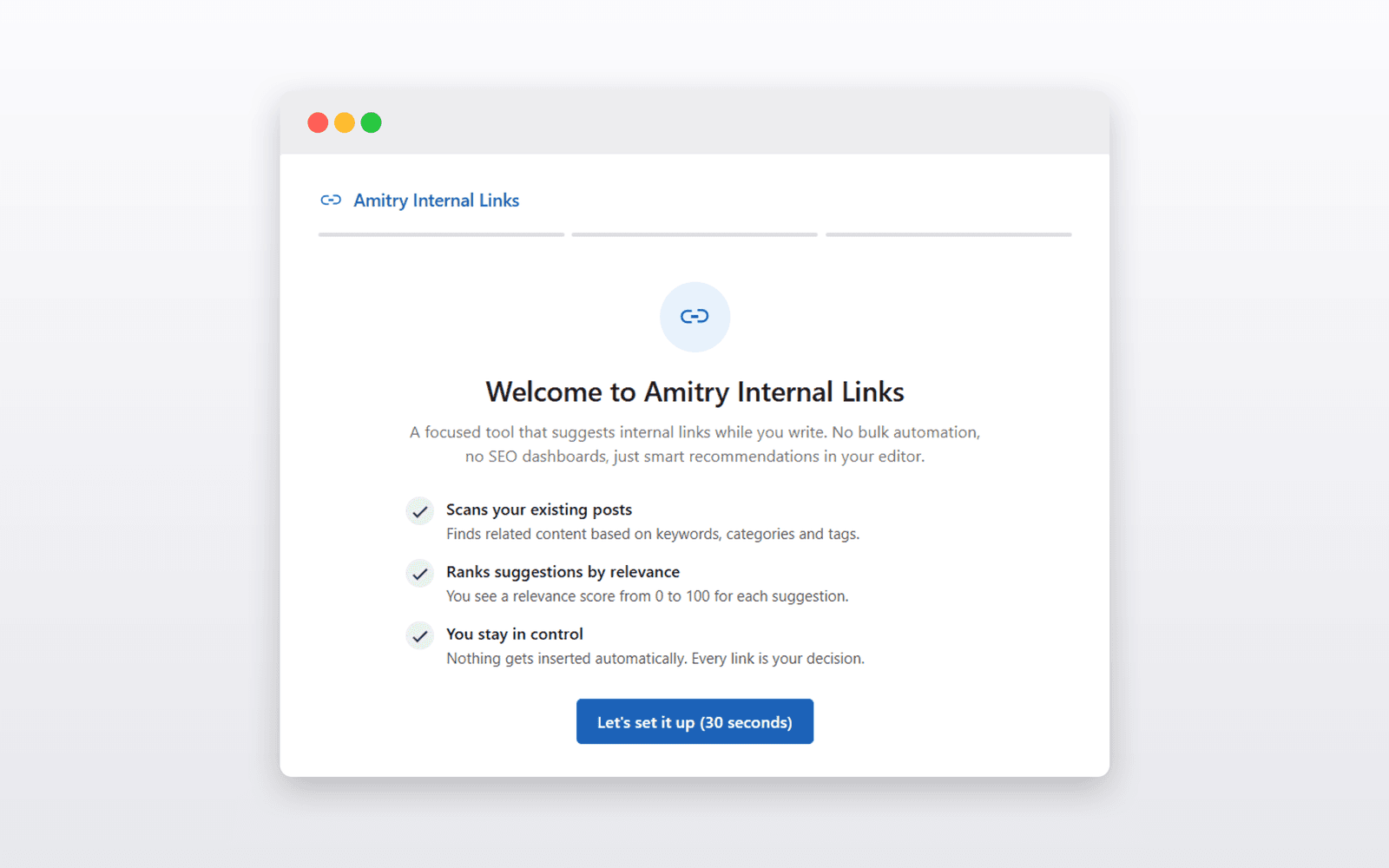
screenshot-1.png
2560×1600, framed, captioned
- banner-1544x500.pngand 772×250
- icon-256x256.pngand 128×128
- readme.txtvalidated against wordpress.org
- copy.en.md6 languages
- assets.zipSVN layout
01·What you get
One project, the whole submission
Everything below comes out of a single export. No second tool, no design software, no rewriting the readme by hand.
readme.txt
readme.txt
Header block, short description, Description, Installation, FAQ, screenshot captions and changelog scaffold — in the directory's exact format, checked against what wordpress.org rejects.
screenshot-1.png
Screenshots
Framed, centered, consistently sized. Your interface is never repainted — only what surrounds it is added.
icon-256x256.png
Plugin icon
Composed from your plugin name and brand colour, at 128 and 256 pixels.
banner-1544x500.png
Header banner
Both directory sizes, 772×250 and 1544×500, in three styles.
copy.en.md
Listing copy
Tagline, benefits, feature descriptions, Product Hunt blurb and social posts — in six languages.
assets.zip
One ZIP
Laid out to match the SVN structure wordpress.org expects, so you can drop it straight in.
02·The evidence
I checked what the directory actually looks like
Before building the copy side I pulled screenshot data for 3,445 plugins from the wordpress.org API. The gap between small and large listings is consistent — and it is not about design talent.
3,445
plugins analysed
sampled across the whole install range
2 vs 5
median screenshots
under 1k installs vs over 100k
31%
captions under 25 characters
of 13,532 checked — mostly just naming the screen
⅔
have inconsistent image sizes
and that holds at every size of plugin
Correlation, not cause: bigger plugins also have more time and money. The numbers describe the practice in the directory, not a guarantee.
Not sure yours needs this?
Paste your plugin's slug and see what the listing is missing. No account, no card — it reads the public listing and tells you.
03·How it works
From raw to launch-ready in three steps
No design skills, no image editor, no copywriting sessions.
Upload
Drag in up to 50 raw screenshots — straight from your browser, no editing needed.
AI does the work
Beautified images, feature annotations, quality checks and marketing copy are generated automatically.
Export & launch
Download the complete asset pack in the exact sizes each platform expects.
04·In the editor
Everything stays yours to change
The AI does a first pass — order, captions, annotations, quality checks. Every one of them is a suggestion you can override, and nothing is baked in until you export.
drag to reorder — position = screenshot-N.png on wordpress.org
AI orderScreenshot is only 1193px wide. Capture at ≥ 2560px so wordpress.org renders it crisply.
Replace image05·Built for the directory
Everything a plugin launch needs
Built specifically for WordPress developers — not another generic image tool.
Screenshot beautifier
Raw admin screenshots become clean, Apple-style marketing images — your pixels stay untouched, only frame, spacing and shadow are added.
AI feature detection
Claude reads your UI, finds buttons and settings, and names them the way customers understand: “Enable” becomes “One-click activation”.
Smart annotations
Arrows, circles and callouts are placed automatically on the right spots — and stay fully editable.
Copy in 6 languages
Taglines, WordPress.org description, Product Hunt, LinkedIn, X and more — in English, German, French, Spanish, Italian and Turkish.
Templates & brand colors
Six looks from Minimal to Dark. Your plugin's own colors are extracted and used for labels and accents.
Launch-ready exports
One ZIP with exact sizes for WordPress.org, your website, Product Hunt, GitHub and docs — plus all copy as Markdown.
06·Pricing
Simple pricing
Start free. Upgrade when your launches do.
Free
$0/mo
- 20 credits / month
- 1 credit per screenshot · 3 per generation
- readme.txt with validation
- Icon & banner in every size
- English copy, PNG export
Starter
Popular$9/mo
- 200 credits / month
- ≈ 200 screenshots or 66 generations
- Copy in 6 languages
- All export presets
- PNG · JPG · WEBP · ZIP
Pro
$29/mo
- 800 credits / month
- ≈ 800 screenshots or 266 generations
- Batch processing (50+ at once)
- Priority AI queue
- Everything in Starter
07·Questions
Frequently asked
Does the AI change my screenshots?
No. The image pipeline is deterministic — your UI pixels are never repainted or invented. We only add background, spacing, frame, shadow and an annotation layer on top.
What happens to my uploads?
Screenshots are stored privately and sent to Anthropic's Claude API for analysis. Details are in our privacy policy — and you can delete your projects at any time.
Can I try it for free?
Yes — 10 screenshots per month are free, no credit card required. Enough for one full plugin launch.
Which platforms are covered?
WordPress.org, your own website, Product Hunt, GitHub and documentation — each with the right dimensions and a ready-made readme screenshot section.
Can I cancel anytime?
Yes. Subscriptions are managed through Stripe and can be cancelled in one click from your billing page.
Your next launch deserves better than raw admin screenshots.
Start free now10 screenshots free every month · cancel anytime